Don't lose the connections that open doors
For everyone who networks: the app automates the busywork — touchpoints, reminders, graph and goals — and makes managing your whole network effortless.
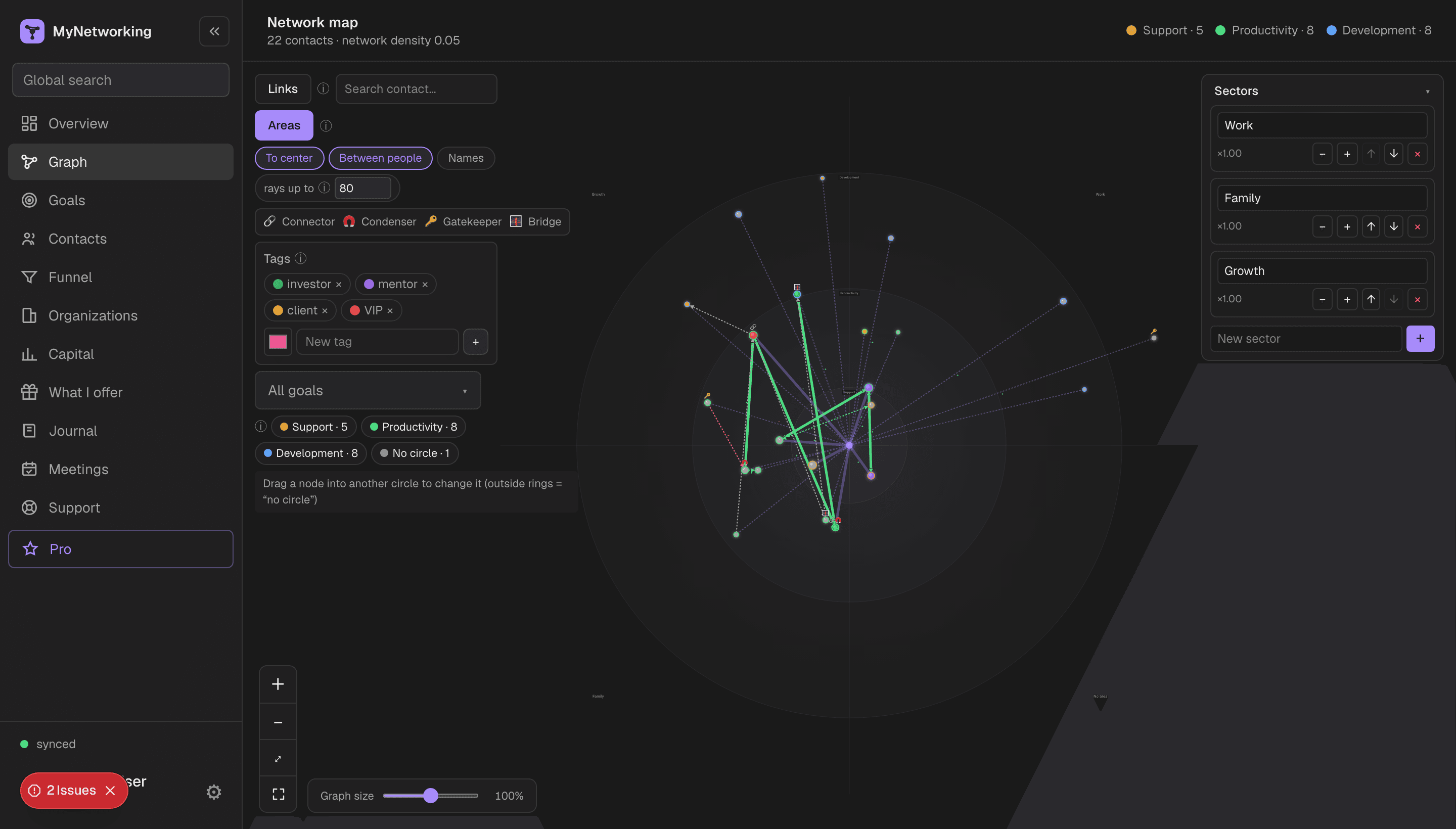
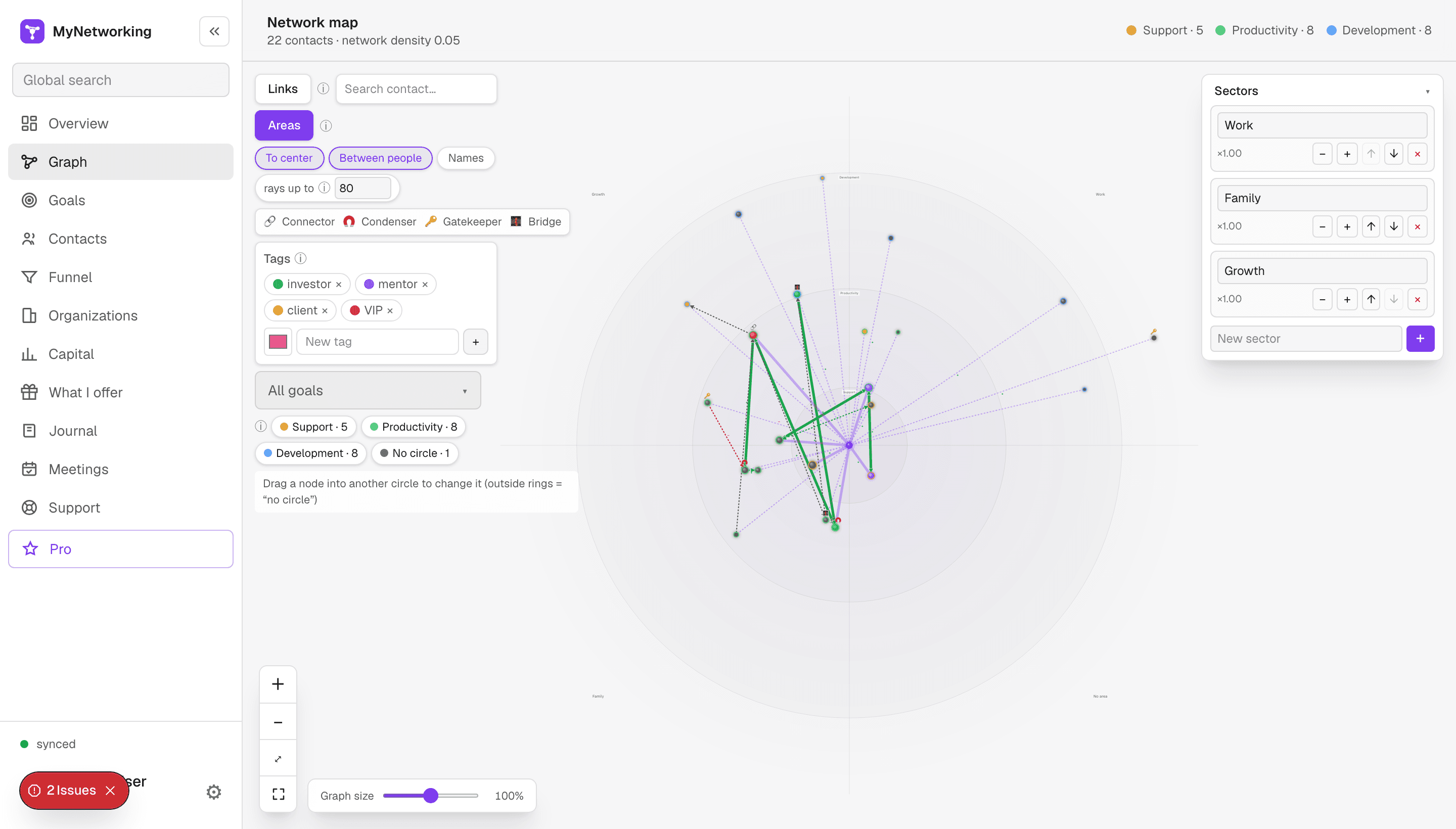
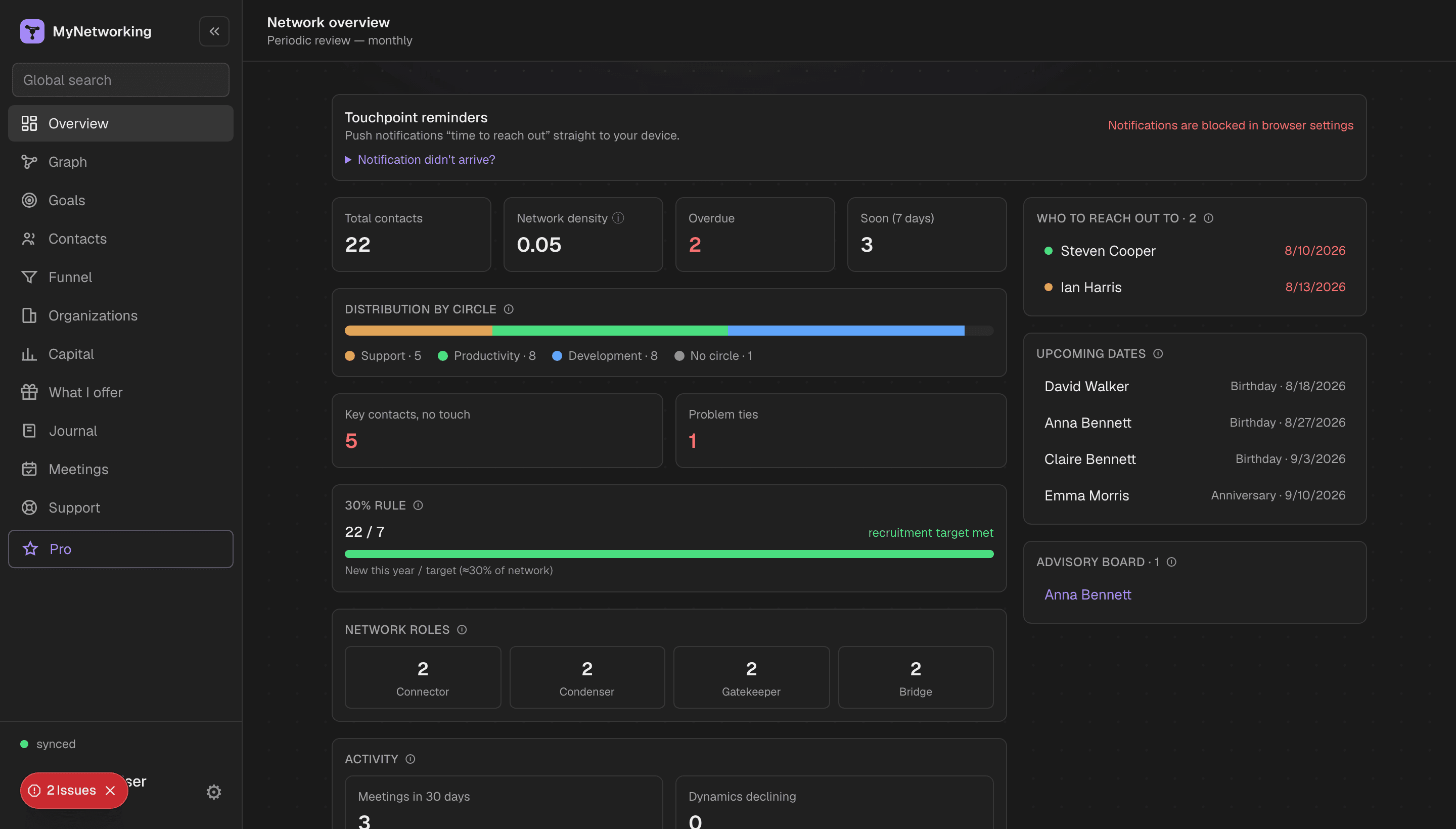
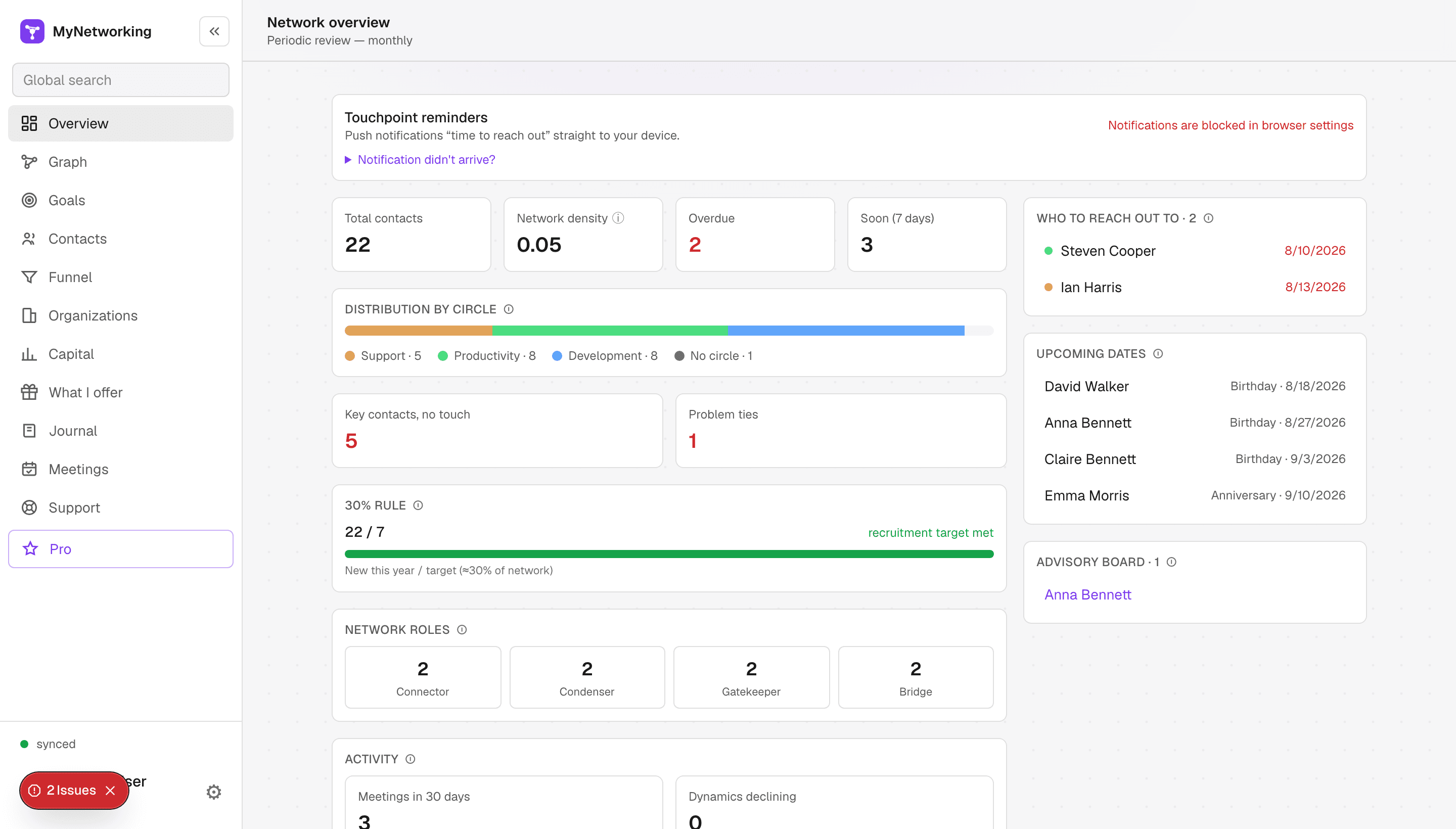
Your whole network at a glance
Density, distribution across circles, roles and fading momentum — all on one screen.
- ✓Who to reach out to
- ✓Upcoming important dates
- ✓Your roles: who connects and opens doors
Remember what matters about everyone
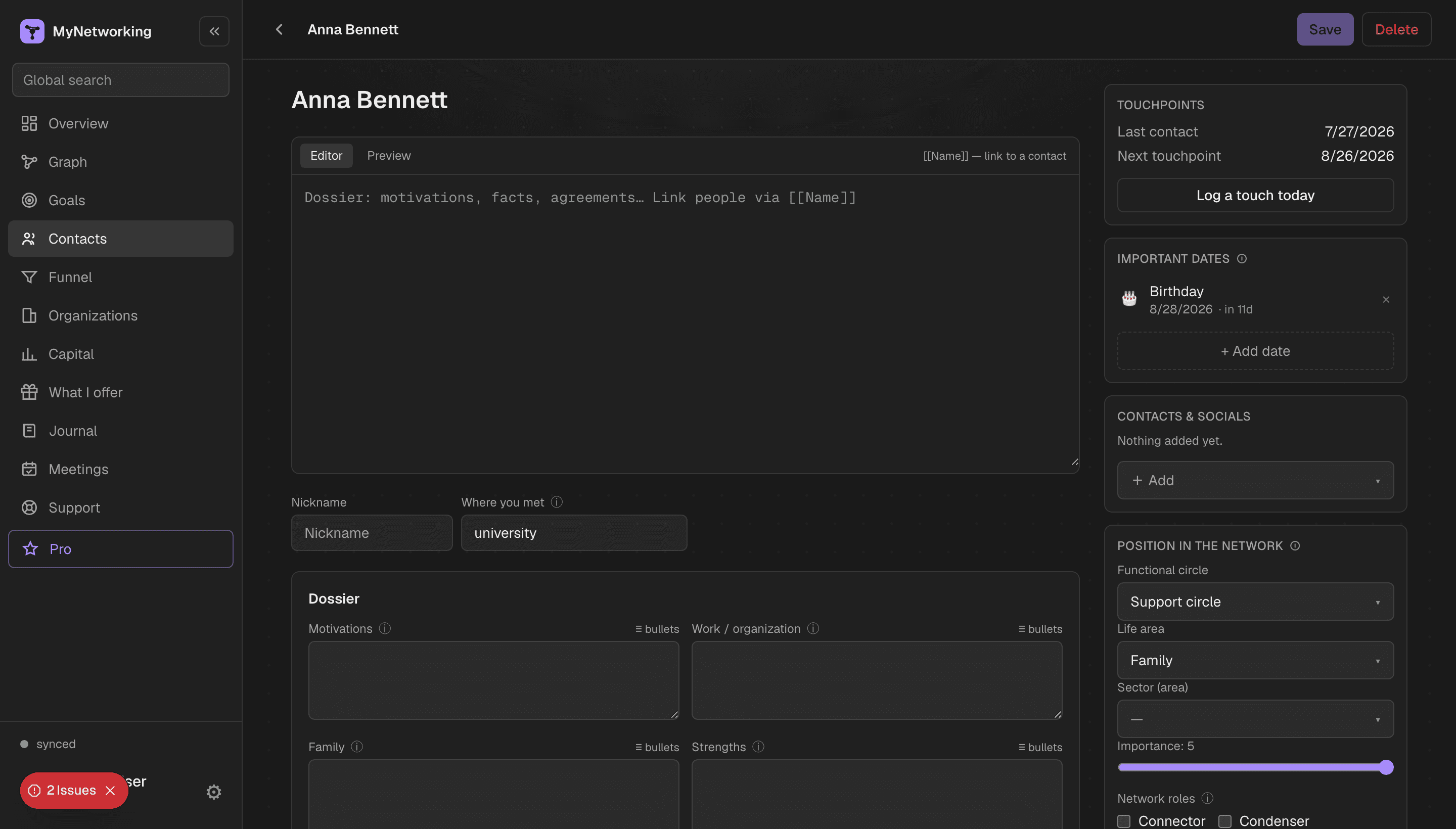
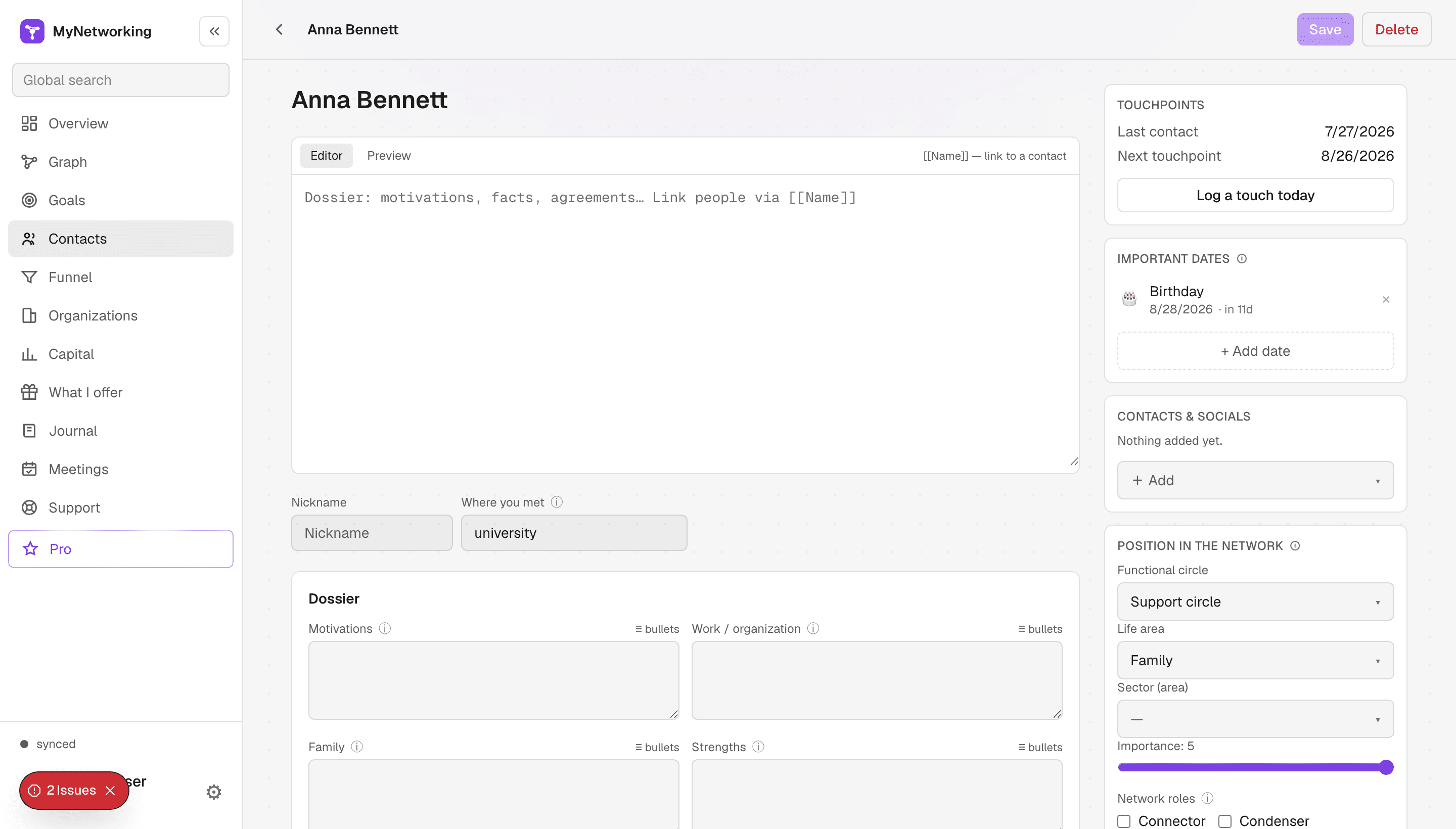
A dossier card: motivations, facts, agreements and a clear history of how the relationship changed over time. Markdown notes with cross-links between people.
- ✓Relationship history — how importance, stage and circle changed
- ✓Touchpoints and key dates
- ✓Meeting journal and relationship momentum
Connect people to your goals
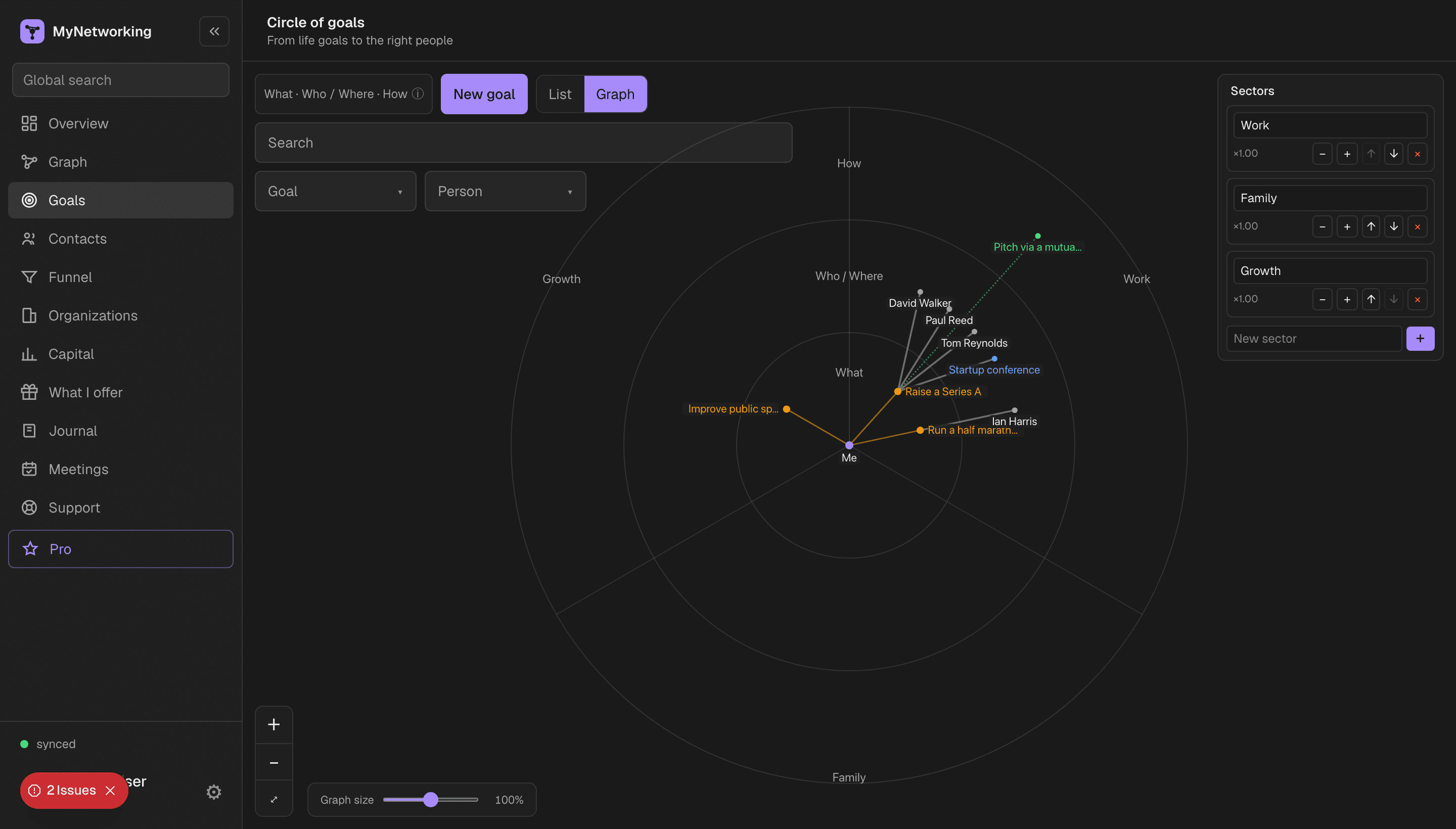
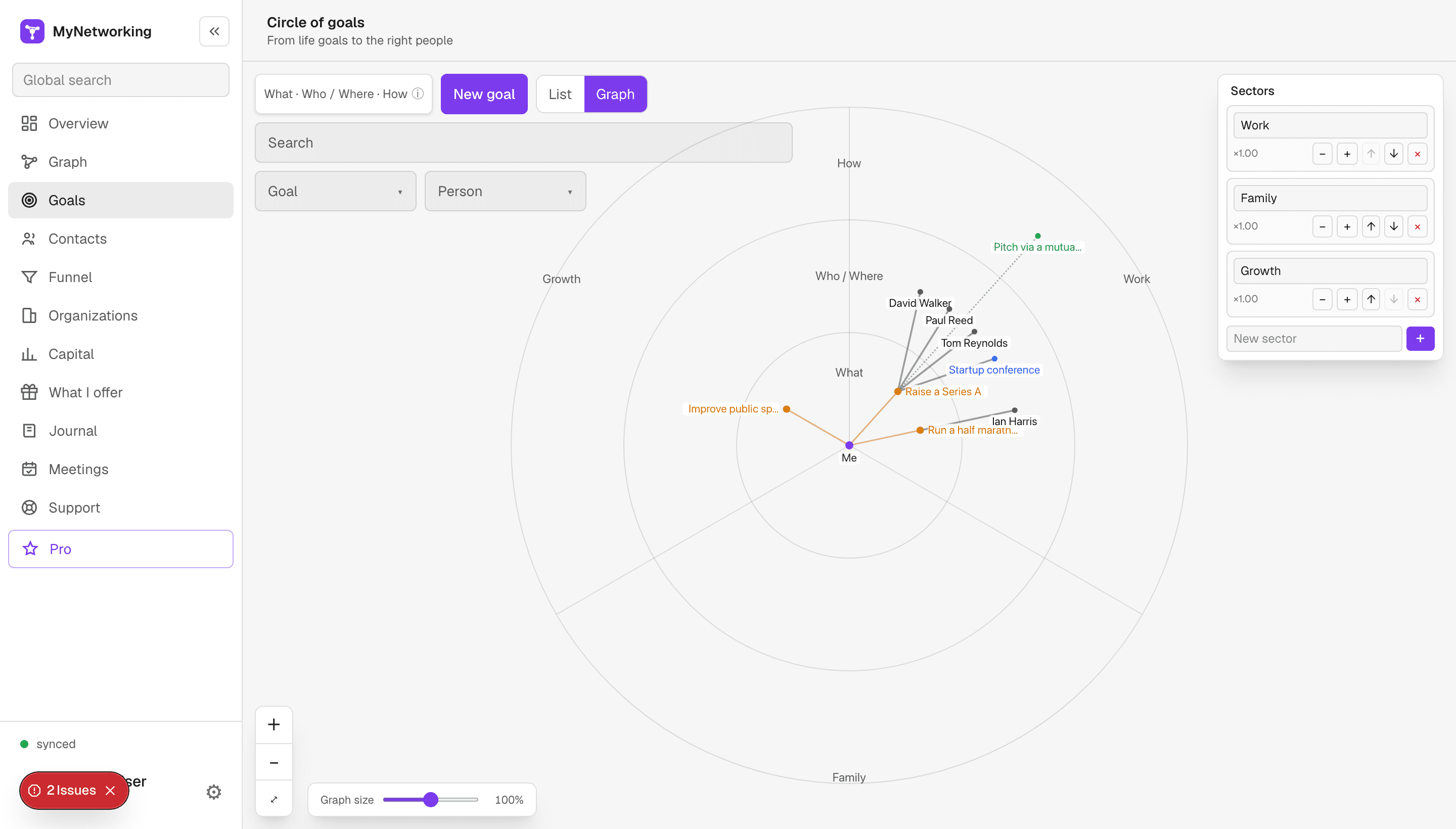
Goals by life area: see who helps with each and where your network lacks the right people — so you know where to grow.
- ✓Goals by life area
- ✓Helpers for each goal
- ✓Where to grow your network for goals
Everything to make your network work for you
No fluff — just what helps you keep relationships alive and never lose people.
Connection graph
A map of contacts across three circles — your whole network at a glance.
Circle of goals
From life goals to the right people: who can help with each.
Opportunity funnel
Move contacts through stages — from meeting to trust.
Organization map
Who's inside a company, who makes decisions and who to reach in through.
Network strength
See how broad and diverse your network is, where ties are strong and where they're missing.
Touchpoints & reminders
Don't lose people: smart reminders and a meeting journal.
Works with tools you already use
Contact import, calendar and reminders — right at hand.
Your data — wherever you decide
Keep everything on this device only — or on a secure server synced across your devices. Either way, it works without internet.
On your device only
You can keep data solely on this device — nothing is ever sent to a server. Full privacy, entirely under your control.
Or on a secure server
Turn on sync and your data is stored safely on the server and synced across your devices. Edits made offline upload themselves once you're back online.
Works without internet
The app keeps your network locally and opens even with no connection — contacts, notes and meetings always at hand.
Transparent pricing
Start free. Move to Pro when your network grows.
- ✓Contacts & dossiers
- ✓Connection graph
- ✓Goals & funnel
- ✓Touchpoints & reminders
- ✓Everything in Free, no limits
- ✓Organizations & social capital
- ✓Reminders and calendar
- ✓Journal and network analytics
- ✓Full overview and network roles
Cancel anytime · no hidden fees
🌍 Payment for non-residents of Russia isn't available yet. For payment questions, email info@mynetworking.ru. International card payments are on the way.
FAQ
Quick answers to the most common questions.
A personal CRM for networking — an app to manage your network of contacts and relationships. A connection graph across three circles, a circle of goals, an opportunity funnel, touchpoints and reminders: so you never lose important connections and reach the right people in time.
You can start for free. The paid plan is for when you want more and no limits.
However you prefer. You can keep data only locally on a single device, or sync it with the database on the server. And you can export it anytime.
Yes. It works in any browser and installs on your phone as an app.
An address book is a flat list of names and numbers. MyNetworking shows the relationships between people: who knows whom, who's due for a message, who can help with your goals. You grow your network deliberately, not just store contacts.
Permission is needed both from the site and from the browser itself in the OS. On macOS: System Settings → Notifications → enable your browser and turn off Do Not Disturb. On Windows: Settings → System → Notifications → browser enabled, Focus assist off. On Android: Settings → Apps → your browser → Notifications (and disable battery optimization for it). On iPhone/iPad, web push works only if you add the app to the Home Screen (iOS 16.4+). Most reliable: install the app — then notifications come from “MyNetworking” as its own entry.